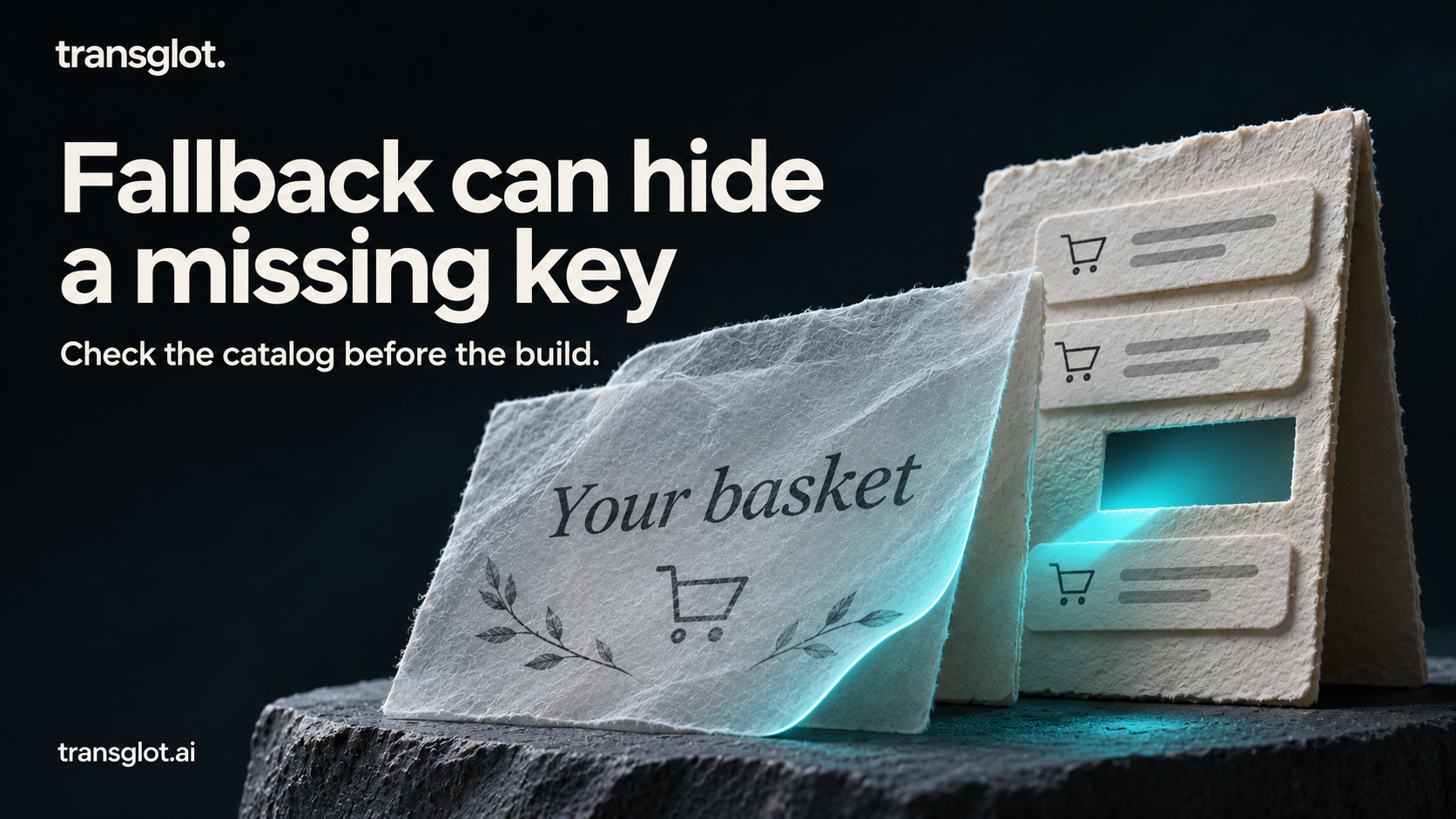
A checkout screen can compile, pass its component tests and still greet a French customer in English. A fallback language keeps the interface usable, but it can also hide a missing translation until somebody notices it in production.
The fix does not need to start with a large localization platform. Give the messages a small, explicit contract, check every locale against it, and run that check before the production build. Translators can then change the wording without accidentally changing what the application needs from the message.
This tutorial builds a two-language React checkout with i18next. You will deliberately break a translation, see a useful error, and add the same check to CI. The complete example files are included at the end of this article, with the application, checker and tests.
What you need
Use Node.js 22.12 or later and npm. The example pins React and React DOM to 19.2.7, i18next to 25.10.10, and Vite to 8.1.3. It is a client-rendered React example with one translation namespace, English source copy and French target copy. It does not require an account, API token or translation service.
The checker itself uses only Node's standard library. You can inspect and run it before installing the application dependencies.
1. Start with a small checkout catalog
Create a new example directory and copy the files from the complete-source section at the end of this article into it. Run every command below from that directory. Its important files are:
The English catalog keeps related messages together:
Keep checkout.greeting stable even when its wording changes. The application looks up the key; the reader sees the translated value. The variable name name is part of that agreement. A translator can move {{name}} within the sentence, but changing it to {{prenom}} would leave the application passing the wrong variable.
The French file uses the same message names. Its item message has _one, _many and _other forms. Do not copy the English suffix list into every language: the required categories depend on the target locale. i18next uses suffix-based plural messages and a numeric count argument. See the i18next plural guide for the format.
The extra English _many entry is deliberate. English will not select it, but it supplies a source key for French when syncing through a service that treats JSON suffix keys individually. That distinction matters in the optional sync step below.
2. Tell the checker what the application expects
Open message-contract.json. A normal message declares its variables; a plural message also declares that it needs language-specific forms:
This separate file matters. Comparing French to English alone would assume that English describes every language's plural system. Instead, the contract describes the message, and the checker expands its plural keys using the target locale:
For each required key, the checker needs a nonempty string and the declared variable names. Recognized optional plural forms are checked when present, including English's extra _many entry. Other unexpected keys are reported, so an obsolete message cannot quietly remain after a rename. The implementation is in scripts/check-translations.mjs; its diagnostics include the locale and complete message path.
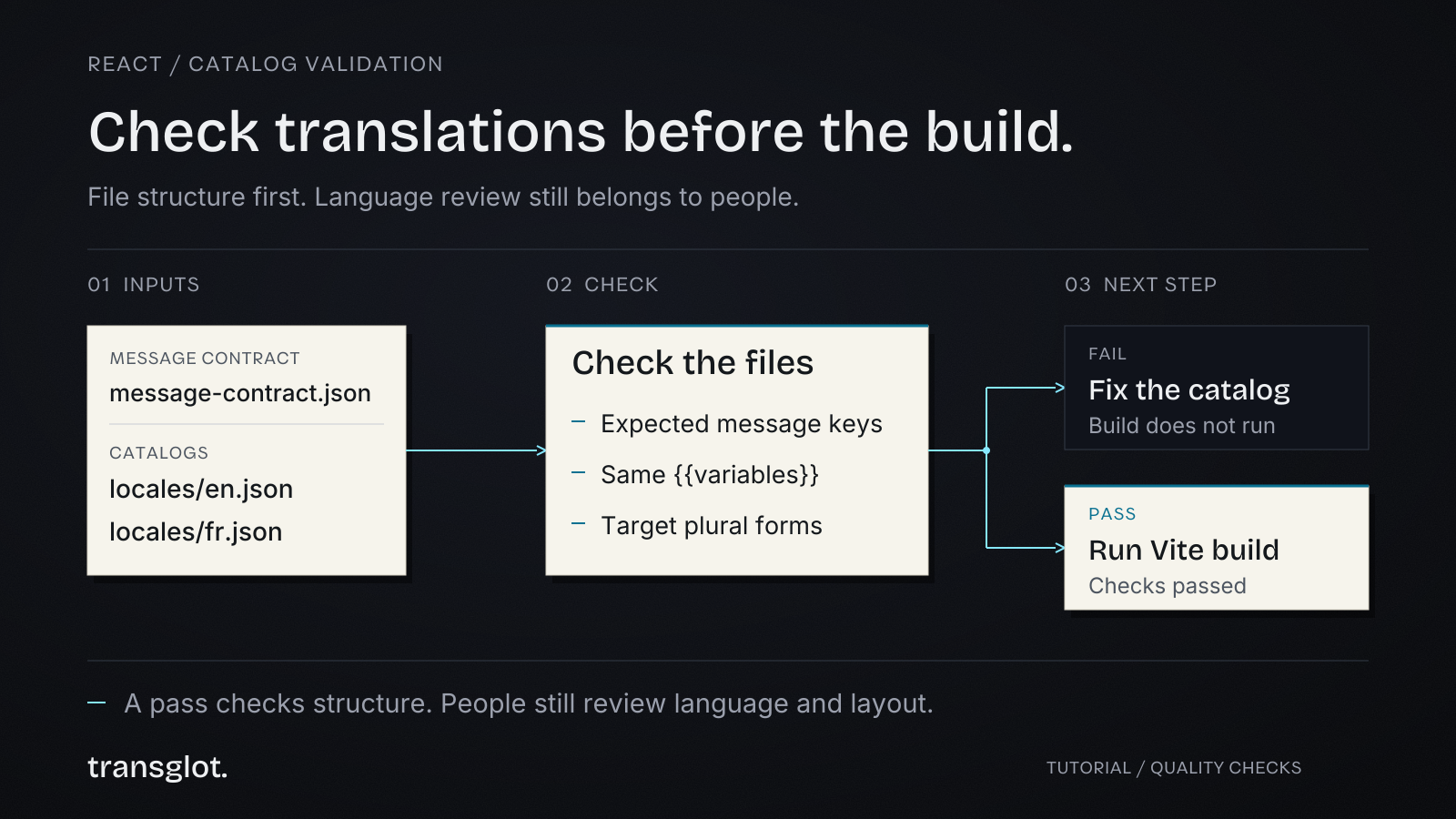
Run the check without installing anything:
The first command should print:
The second runs seven checks, including intentionally broken catalogs and malformed JSON. All should pass because those tests expect the broken inputs to be rejected.
3. Render the messages in React
Install the pinned dependencies and start the example:
Open the local address printed by Vite. You should see “Your basket,” a greeting for Ada and “1 item.” Add an item, then choose Français. The count stays at two, while the heading becomes “Votre panier” and the quantity becomes “2 articles.”
The application loads both catalogs during initialization:
Inside the component, React owns the selected language. A fixed translation function reads that language on each render:
This keeps the example small; an existing app using react-i18next can keep its useTranslation hook and reuse the catalog check. You do not need to change the application's translation library to adopt the validation step.
The example disables i18next's escaping because it renders translated results as React text children. Do not pass these strings to dangerouslySetInnerHTML or an HTML sink. Rich translated markup needs a deliberate rendering approach; it is outside this example. The interpolation documentation explains the relevant options.
4. Break one message on purpose
In locales/fr.json, change {{name}} to {{prenom}}. Run:
You should get a failure identifying the exact message:
Restore {{name}}. Next, remove checkout.title. The checker reports a missing French message. The browser may still display “Your basket” because the English fallback can satisfy the lookup. That contrast is the point: a usable fallback is not proof that a locale is complete.
Restore the title, then remove items_many. The checker should identify that missing French plural form too. A quick click-through with counts one and two would not exercise every category. The runtime tests also check a large French count and demonstrate the missing-key fallback with the actual i18next package.
Restore the file and run the full suite:
All nine tests should pass. The build script runs translation validation before Vite, so invalid catalogs stop the production build rather than becoming a later deployment surprise.
5. Put the same rule in CI
The example includes .github/workflows/translations.yml. Its two important commands are:
This job does not need a translation-service token or npm install. It checks files already in the pull request. If you copy the example into a subdirectory of your repository, set the job's working directory to that location; otherwise the relative paths will point at the wrong files.
Commit the dependency lockfile created by your first npm install. Your regular application build can then use npm ci, followed by npm test and npm run build, to check the pinned runtime and application bundle as well.
6. Add a translation service when the workflow needs one
The same files can later be managed in app localization software. For example, a Transglot project can receive json_nested source files and return reviewed French strings through its CLI. The companion transglot.example.json shows the file rules, including min_state: "reviewed" on the pull rule.
In this JSON format, each suffix is an ordinary key. Transglot does not infer the French _many key from the English _one and _other keys. That is why the source file includes the forms needed across both languages. When adding a language with more categories, add corresponding source keys before uploading.
Create a project with English as its source locale and French as a target. CLI access requires Starter or above. Create a project token with both push and pull abilities, and store it in your environment or CI secrets. Then run the interactive setup to confirm the project and API origin:
Adapt the generated transglot.json to the companion configuration. Enable automatic translation on the project if a push should create AI drafts. With that setting off, translate the imported strings in the editor instead. Upload source changes with push --wait; after a reviewer approves the French messages, pull them and run the local check:
Waiting for AI translation is not the same as human approval. A reviewed-only pull can omit unreviewed keys, and a retained older file can still pass structural checks. Review the translation diff and approval status as separate release steps. Never place a project token in React code or a VITE_ environment variable.
For the broader import, review and delivery workflow, see Transglot's localization workflow for developers.
What this check still leaves to people
The checker supports nested JSON, simple {{variable}} interpolation and cardinal plural suffixes. It deliberately rejects arrays, dotted object keys and advanced interpolation syntax. It does not parse ICU messages, formatted variables, nesting expressions, rich markup, ordinals or context variants. Extend the contract and parser deliberately before adding those features.
A passing check also cannot tell you whether a translation sounds natural, gives the right instruction or fits a narrow button. Read the important screens in context, ask a speaker of the target language to review them, and test the layout with longer text. The automated check gives that reviewer fewer preventable file errors to untangle.
When you add another language, add it to the checker's locale list and the application's resources, then create the required forms for that locale. Update the message contract in the same pull request as new UI text. That small habit turns translation completeness into something the team can inspect before every release.
Complete example files
Create the folders shown in each filename, then save the code exactly as shown. This source section contains no credentials and makes no translation-service requests. Install dependencies with npm install after creating the files; commit the generated lockfile before using npm ci.