איבערחיפּן צום אינהאַלט

אָפּציאָנעלע אַנאַליטיק, סעסיע-רעקאָרדינג און רעקלאַמע בלייבן אַקטיוו נישט ביז איר שטימט צו. איר קענט זיי אָפּוואַנדן און ניצן Transglot. טוישט אייער ברירה אין קוקי־ברירות. קוקי פּאָליטיק

אַלע אינטעגראַציעס
ספעציפיקאציע בלאט · cms & commerce

WordPress and Transglot, publish a multilingual site.

Install the plugin, paste a pairing code, and choose the languages for your site. Sync posts and pages, then publish the translations your team approves, with localized URLs and a language switcher.

Source content in; reviewed translations out
ריכטונג
Source content in; reviewed translations out
פּלאַן
Starter און העכער
סקאָפּ
פאסטן און בלעטער: טיטל, אויסצוג און אינהאלט
אָטענטיקאַציע
אייער פלאץ URL און א WordPress אפליקאציע פאסווארט, געשאפן אויף אייער אייגענעם באניצער
Get started
Download the plugin, install it in WordPress, and pair your site.

cms & commerce
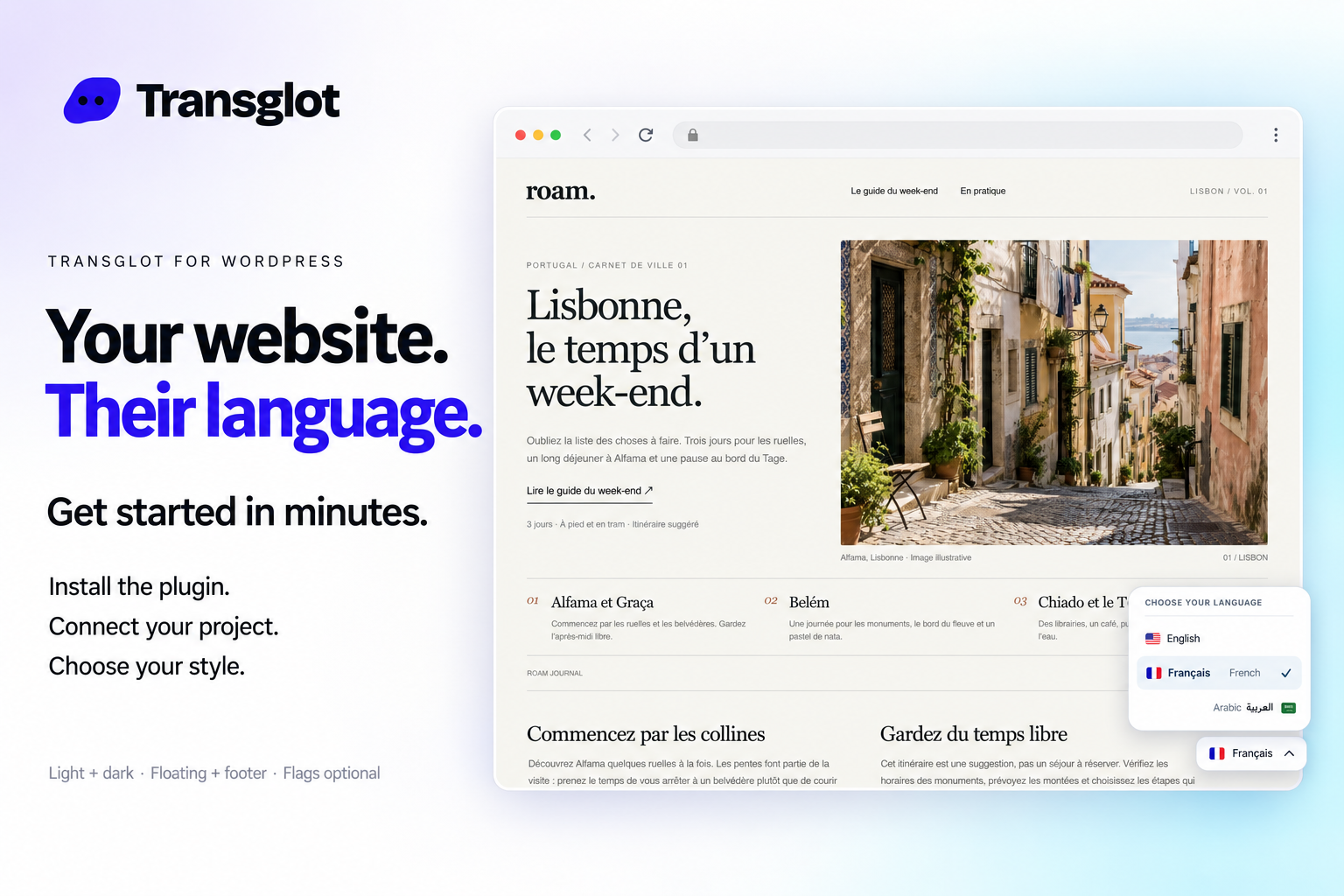
Transglot language switcher and localized WordPress website example
Example WordPress site with the Transglot language switcher.
דער אַרבעטס־פּראָצעס

פֿאַרבינדט אייער אינהאַלט. קוקט אונטער יעדן שפּראַך.

פֿאַרבינדט איין מאָל, וועלט אייער אינהאַלט און שפּראַכן, דערנאָך איבערזעצט און קוקט אונטער אין דעם זעלבן פּראָיעקט. די שריט אונטן ווייַזן ווי עס אַרבעט אין אייער מכשיר.

  1. Install and pair the plugin

    Download the Transglot plugin ZIP. In WordPress, open Plugins → Add New Plugin → Upload Plugin, choose the ZIP and activate it. In your Transglot project, open WordPress settings and create a pairing code.

    pair
  2. Sync the source content

    Bring the selected posts and pages into the Transglot project.

    sync
  3. Translate and review

    Review target-language copy in the same project as your other localization content.

    באַקוקן
  4. Publish your site locales

    Publish the reviewed translations and check the language switcher and localized page URLs.

    פֿאַרעפֿנטלעכן
Publish reviewed translations to the connected WordPress site, with localized URLs and a configurable language switcher.
וואָס באַוועגט זיך

וואָס איר קענט איבערזעצן און ליפֿערן.

Connect your WordPress site with a pairing code. Sync posts and pages, review translations in Transglot, and publish localized pages with a language switcher that fits your site.
וואָס איר קענט איבערזעצן און ליפֿערן.
איבערפלאַךוואָס צו דערוואַרטן
מקור און געביט

פאסטן און בלעטער: טיטל, אויסצוג און אינהאלט

איבערגעזעצטע אויסגאַבע

Publish reviewed translations to the connected WordPress site, with localized URLs and a configurable language switcher.

האַלט אין זינען

Choose the posts and pages to sync. Review translated pages, localized URLs, and your language switcher before sharing them with visitors.

פֿאַרבינדט זיך

אַ ביסל שריט צו אייער ערשטער פֿאַרבינדונג.

פֿאלגט אייער מכשירס שטעלונג אונטן: לייגט צו די פֿאַרבינדונג, וועלט וואָס צו סינקראָניזירן, און פּרובירט עס מיט אַ קליין סעט פֿון אינהאַלט. אייער מאַנשאַפֿט קען פֿאָרטזעצן אַרבעטן אין די מכשירים וואָס זיי שוין ניצן.

וואָס איר דאַרפט

אייער פלאץ URL און א WordPress אפליקאציע פאסווארט, געשאפן אויף אייער אייגענעם באניצער.

  • אַ Transglot פּראָיעקט מיט זייַנע מקור־ און ציל־לאָקאַלן קאָנפיגורירט.
  • היט קרעדיטן אין די פֿאַרבינדונגס־שטעלונגען, אַזוי אַז אייער מאַנשאַפֿט קען אַרבעטן אָן קאָפּירן סודות צווישן טעקעס.
  • געכאַסטע API־צוטריט פֿאָדערט אַ באַצאָלטן Transglot פּלאַן. KI־איבערזעצונג ניצט אייער אַרבעטס־גרופּעס ווערטער־אַלאַוואַנס.
  1. Download the Transglot plugin ZIP. In WordPress, open Plugins → Add New Plugin → Upload Plugin, choose the ZIP and activate it.

  2. In your Transglot project, open WordPress settings and create a pairing code.

  3. In WordPress’s Transglot setup, paste the pairing code and complete the connection.

  4. Sync your source content, review the target translations, then publish them to the site. Configure the language switcher and URL settings in the plugin.

דער זעלבער פּראָיעקט, מער מעגלעכקייטן

פֿאַרבינדט דעם רעשט פֿון אייער אַרבעטס־פּראָצעס.

אייערע איבערזעצונגען בלייַבן אין איין פּראָיעקט ווען זיי באַוועגן זיך צווישן מכשירים.

אַרבעט מיט וואָס איר ניצט שוין

41 קאָנעקטאָרן, שוין געבויט.

ברענגט אייער אַרבעטס־פּראָצעס

אייער אינהאַלט, גרייט פֿאַר יעדן לאָקאַל.

פֿאַרבינדט אייער מכשירים, איבערזעצט מיט אייער מאַנשאַפֿט, און פּובליצירט אונטערגעקוקטן אינהאַלט.

















