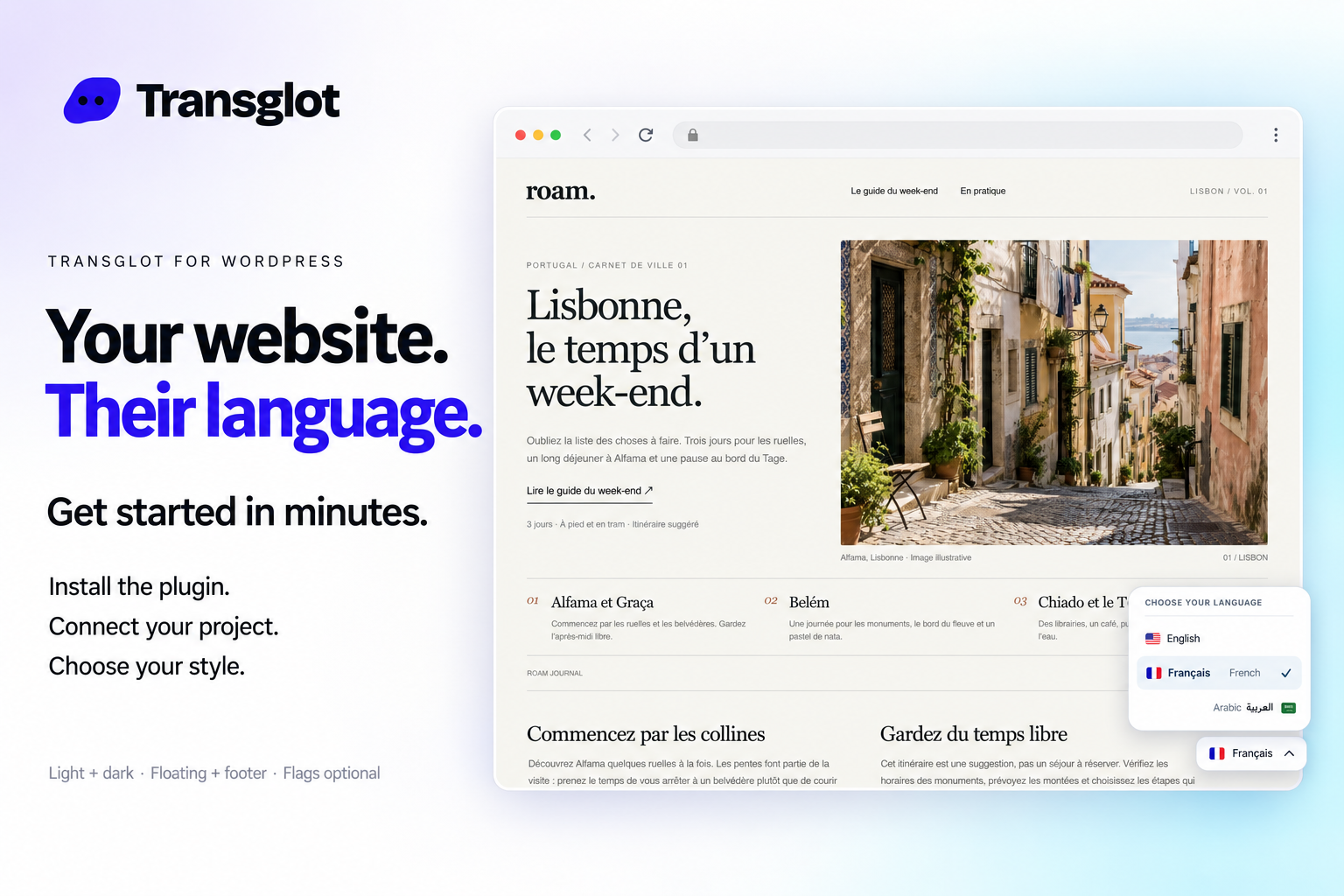
WordPress and Transglot, publish a multilingual site.
Install the plugin, paste a pairing code, and choose the languages for your site. Sync posts and pages, then publish the translations your team approves, with localized URLs and a language switcher.
Source content in; reviewed translations out
方向
Source content in; reviewed translations out
方案
Starter 及以上
範圍
文章和頁面:標題、摘要和內容
驗證
在 WordPress 外掛程式中輸入的專案配對碼
開始使用
Download the plugin, install it in WordPress, and pair your site.

Download the Transglot plugin ZIP. In WordPress, open Plugins → Add New Plugin → Upload Plugin, choose the ZIP and activate it. In your Transglot project, open WordPress settings and create a pairing code.
pair
02
Sync the source content
Bring the selected posts and pages into the Transglot project.
sync
03
Translate and review
Review target-language copy in the same project as your other localization content.
審核
04
Publish your site locales
Publish the reviewed translations and check the language switcher and localized page URLs.
發布
Publish reviewed translations to the connected WordPress site, with localized URLs and a configurable language switcher.
Download the Transglot plugin ZIP. In WordPress, open Plugins → Add New Plugin → Upload Plugin, choose the ZIP and activate it.
02
In your Transglot project, open WordPress settings and create a pairing code.
03
In WordPress’s Transglot setup, paste the pairing code and complete the connection.
04
Sync your source content, review the target translations, then publish them to the site. Configure the language switcher and URL settings in the plugin.