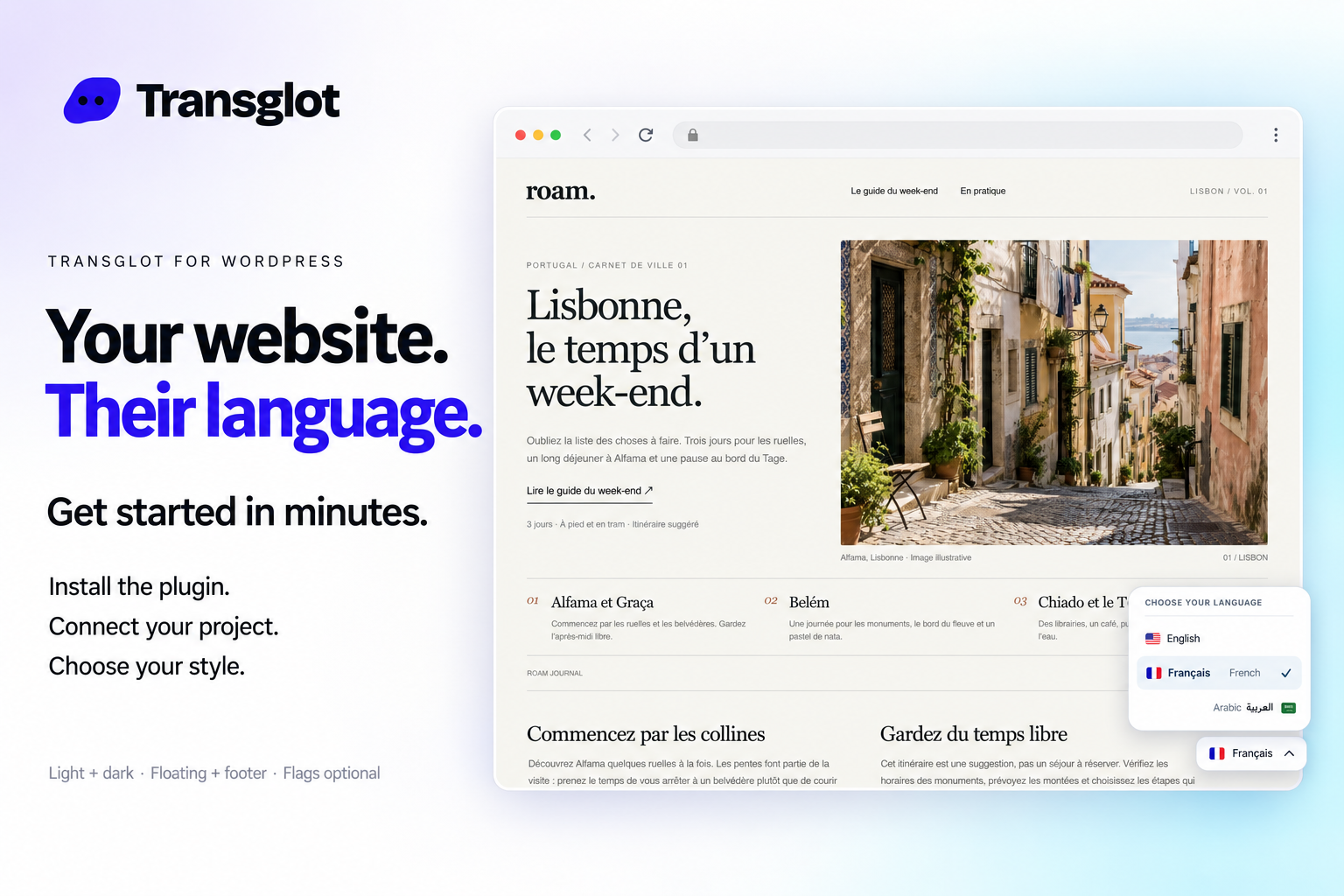
WordPress and Transglot, publish a multilingual site.
Install the plugin, paste a pairing code, and choose the languages for your site. Sync posts and pages, then publish the translations your team approves, with localized URLs and a language switcher.
Source content in; reviewed translations out
方向
Source content in; reviewed translations out
套餐
Starter 及以上
范围
文章和页面:标题、摘要和内容
身份验证
在 WordPress 插件中输入的项目配对码
开始使用
Download the plugin, install it in WordPress, and pair your site.

Example WordPress site with the Transglot language switcher.
工作流
连接您的内容。审阅所有语言版本。
一次连接,选择内容和语言,然后在同一项目中翻译和审阅。以下步骤展示了它如何在您的工具中运行。
您的项目
WP
pairsync审核发布
01
Install and pair the plugin
Download the Transglot plugin ZIP. In WordPress, open Plugins → Add New Plugin → Upload Plugin, choose the ZIP and activate it. In your Transglot project, open WordPress settings and create a pairing code.
pair
02
Sync the source content
Bring the selected posts and pages into the Transglot project.
sync
03
Translate and review
Review target-language copy in the same project as your other localization content.
审核
04
Publish your site locales
Publish the reviewed translations and check the language switcher and localized page URLs.
发布
Publish reviewed translations to the connected WordPress site, with localized URLs and a configurable language switcher.
Download the Transglot plugin ZIP. In WordPress, open Plugins → Add New Plugin → Upload Plugin, choose the ZIP and activate it.
02
In your Transglot project, open WordPress settings and create a pairing code.
03
In WordPress’s Transglot setup, paste the pairing code and complete the connection.
04
Sync your source content, review the target translations, then publish them to the site. Configure the language switcher and URL settings in the plugin.