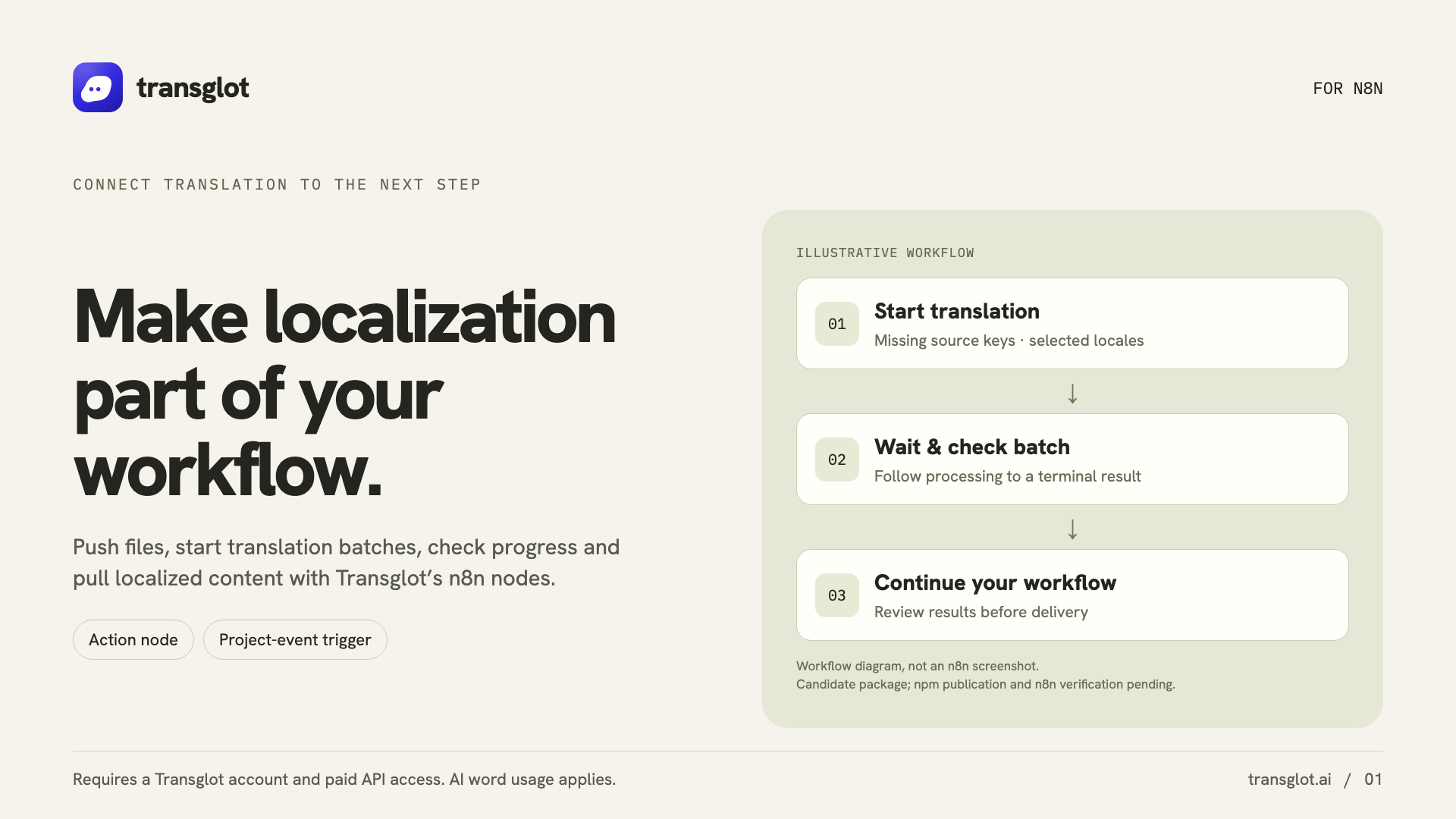
Install the community package in self-hosted n8n, add your project token, and test the connection. Build localization steps with Transglot nodes, then connect project events or an AI agent when you need them.
Workflow actions and signed project events
方向
Workflow actions and signed project events
套餐
Starter 及以上
范围
源文件上传、AI 批次、区域设置文件拉取、项目详情和签名项目事件
身份验证
保存在加密 n8n 凭据中的 Transglot 项目访问令牌
开始使用
Install n8n-nodes-transglot from npm in self-hosted n8n.
Example localization workflow with source-file push, AI translation, and target-locale pull.
工作流
连接您的内容。审阅所有语言版本。
一次连接,选择内容和语言,然后在同一项目中翻译和审阅。以下步骤展示了它如何在您的工具中运行。
您的项目
N8
installconnectactionsautomate
01
Install the community package
In self-hosted n8n, open Settings → Community Nodes → Install and enter n8n-nodes-transglot.
install
02
Test the project credential
Create a Transglot API credential with https://api.transglot.ai and your project token. Run the connection test.
connect
03
Build the workflow
Add a Transglot action to get a project, push a source file, start a translation batch, read its status or pull a locale file.
actions
04
Connect events or an agent
Use Transglot Trigger for signed project events, or attach the action node to an AI agent as a tool.
automate
Run file pushes, AI batches and locale pulls as workflow steps, or expose the Transglot action as an AI-agent tool.
流动的内容
您可以翻译和交付的内容。
使用 n8n 操作和签名触发器自动化源文件推送、AI 翻译批次和区域设置拉取。
您可以翻译和交付的内容。
界面
预期效果
源内容与范围
源文件上传、AI 批次、区域设置文件拉取、项目详情和签名项目事件
翻译输出
Run file pushes, AI batches and locale pulls as workflow steps, or expose the Transglot action as an AI-agent tool.
注意事项
Use self-hosted n8n. Triggers need a reachable webhook URL, and AI-agent workflows need a connected model. Cloud installation depends on n8n’s verified-node catalog.