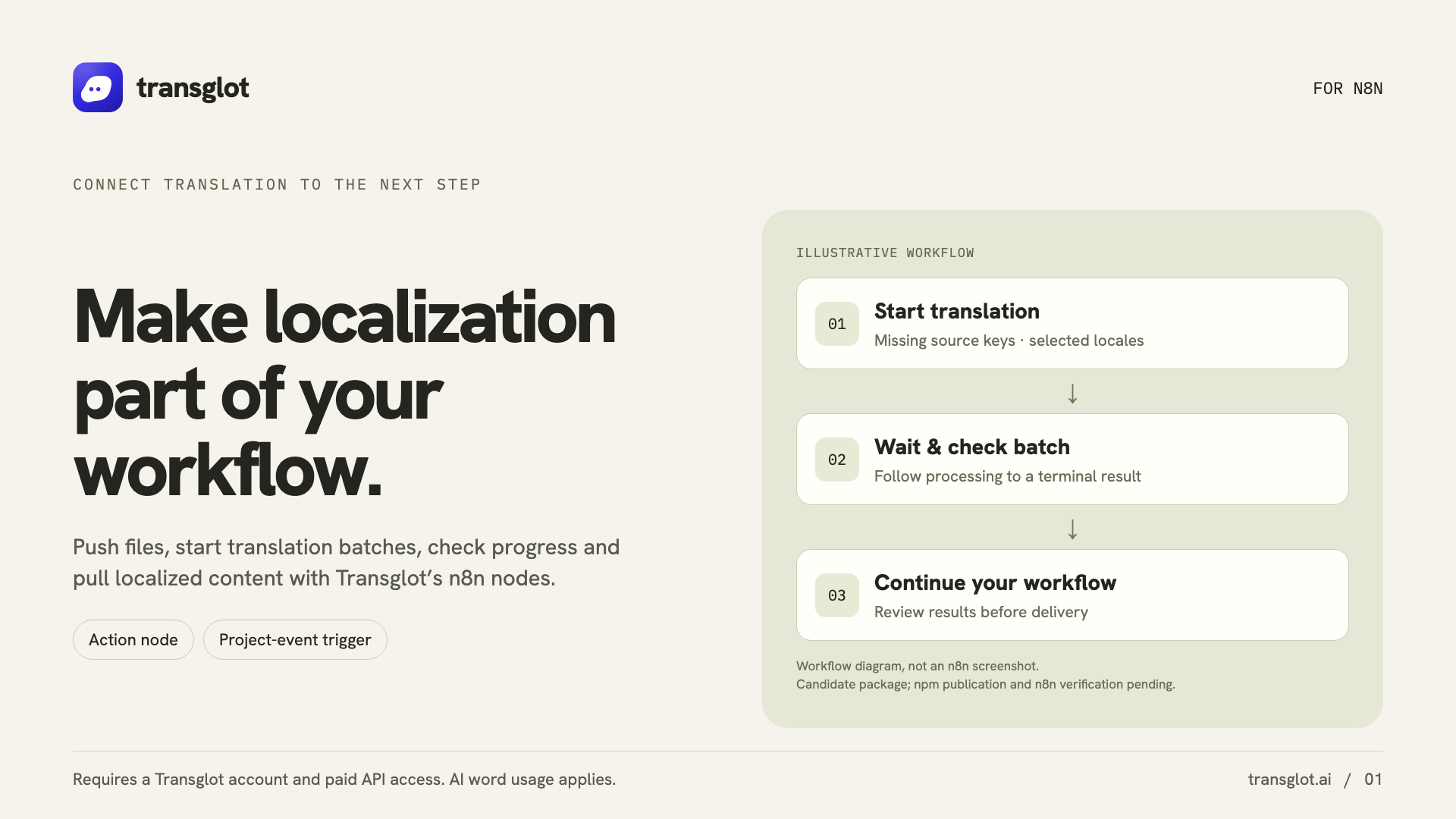
Install the community package in self-hosted n8n, add your project token, and test the connection. Build localization steps with Transglot nodes, then connect project events or an AI agent when you need them.
Workflow actions and signed project events
方向
Workflow actions and signed project events
方案
Starter 及以上
範圍
原始檔上傳、AI 批次、地區檔案拉取、專案詳細資訊和簽署的專案事件
驗證
儲存在加密 n8n 憑證中的 Transglot 專案存取權杖
開始使用
Install n8n-nodes-transglot from npm in self-hosted n8n.
In self-hosted n8n, open Settings → Community Nodes → Install and enter n8n-nodes-transglot.
install
02
Test the project credential
Create a Transglot API credential with https://api.transglot.ai and your project token. Run the connection test.
connect
03
Build the workflow
Add a Transglot action to get a project, push a source file, start a translation batch, read its status or pull a locale file.
actions
04
Connect events or an agent
Use Transglot Trigger for signed project events, or attach the action node to an AI agent as a tool.
automate
Run file pushes, AI batches and locale pulls as workflow steps, or expose the Transglot action as an AI-agent tool.
傳輸內容
您可以翻譯並交付的內容。
使用 n8n 動作和簽署觸發器自動化原始檔推送、AI 翻譯批次和地區拉取。
您可以翻譯並交付的內容。
表面
預期結果
來源與範圍
原始檔上傳、AI 批次、地區檔案拉取、專案詳細資訊和簽署的專案事件
翻譯輸出
Run file pushes, AI batches and locale pulls as workflow steps, or expose the Transglot action as an AI-agent tool.
注意事項
Use self-hosted n8n. Triggers need a reachable webhook URL, and AI-agent workflows need a connected model. Cloud installation depends on n8n’s verified-node catalog.