VS Code and Transglot, translations beside your code.
Install the extension, open your configured workspace, and sign in with a project token. See translations beside your source, find missing keys, and push or pull locale files from VS Code.
Install Transglot from the Marketplace, then run Transglot: Sign In with your project access token.
connect
02
Inspect the source keys
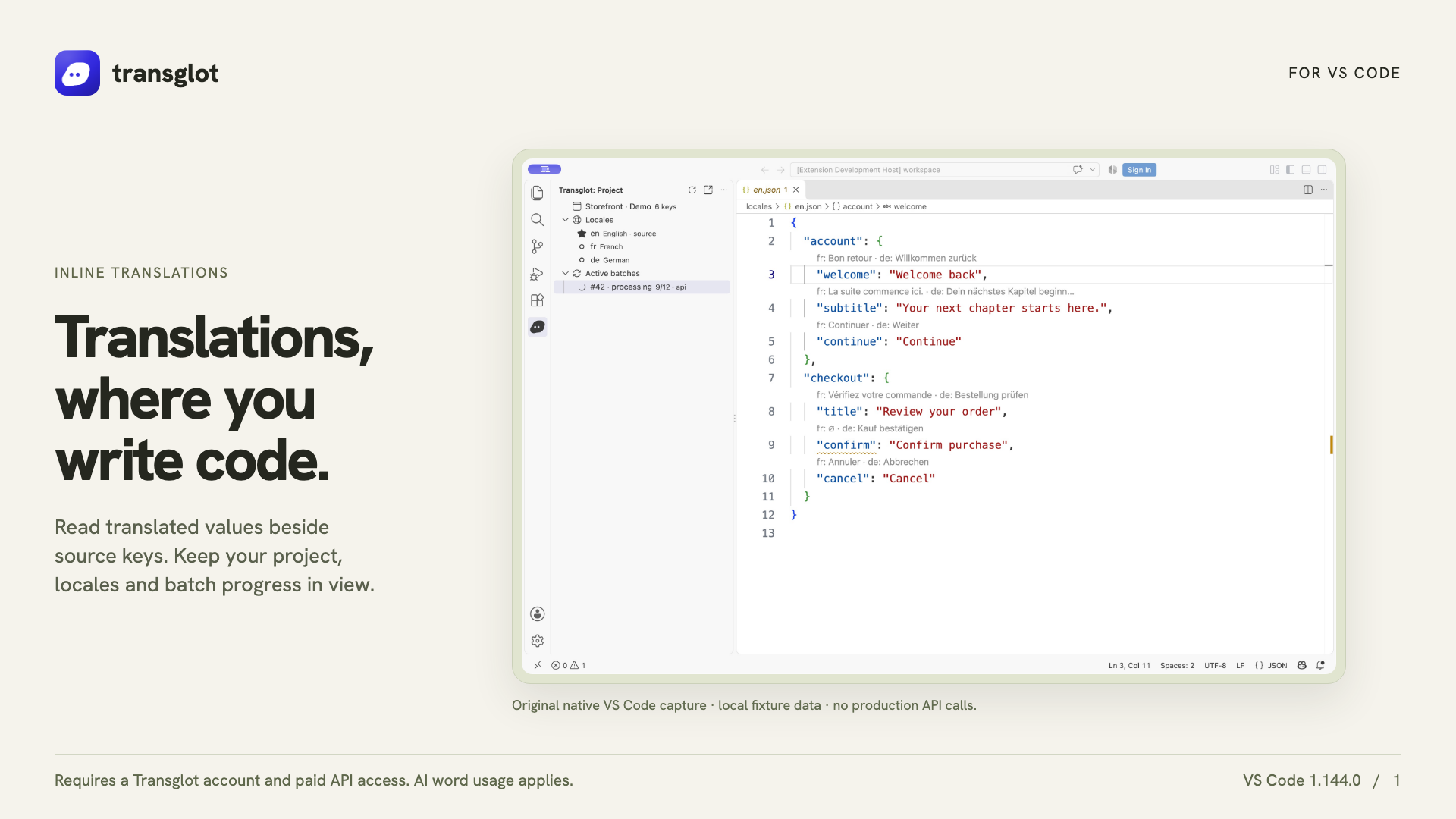
Open a configured JSON locale file to see CodeLens values, translated hovers and missing-key diagnostics.
inspect
03
Update the translations
Edit a target translation or explicitly start an AI translation batch from the extension.
翻譯
04
Push and pull the files
Push source changes and pull translated locale files through the same project used by your CLI and CI.
deliver
Inspect translations inline, edit a locale value, and pull locale files back into your workspace.
傳輸內容
您可以翻譯並交付的內容。
在您編寫的程式碼旁進行翻譯。檢查地區值、尋找遺漏的翻譯,並從 VS Code 推送或拉取資料。
您可以翻譯並交付的內容。
表面
預期結果
來源與範圍
原始檔、內嵌 JSON 翻譯、遺漏金鑰診斷和地區下載
翻譯輸出
Inspect translations inline, edit a locale value, and pull locale files back into your workspace.
注意事項
Inline translations and missing-key diagnostics support the JSON-family formats. File push, pull and AI batches support the wider Transglot format catalog.